Dear diary, part three

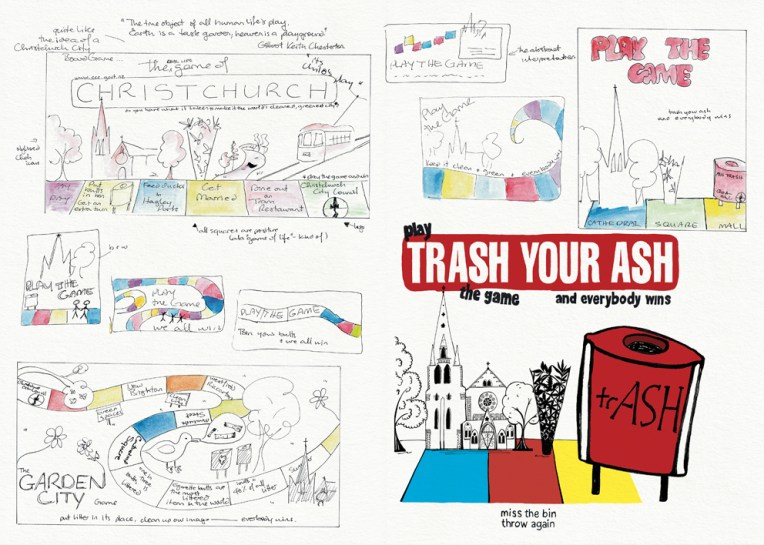
‘Trash your ash – play the game and everybody wins’ – sketches and final illustration  Visual diary, two-page spread (student project, 2011)
‘Trash your ash – play the game and everybody wins’ – sketches and final illustration
Visual diary, two-page spread (student project, 2011)
‘Trash your ash’ mock-ups (billboard and installation) – ink, photography and digital Visual diary, two-page spread (student project, 2011)
‘Trash your ash’ mock-ups (billboard and installation) – ink, photography and digital
Student project, 2011

The brief for this project was to design an anti-cigarette-litter billboard and public installation for the city council’s ‘Future Vision of a Clean City’ campaign. The focus had to be on anti-not-thinking rather than anti-smoking. For the installation, I turned my drawing of Christchurch’s Anglican Cathedral and Chalice sculpture into a pop-up board game that could be played in public spaces around the city. It was a lot of fun putting my illustration into the photo ― I wonder why I don’t do that more often?

The diary pages are from a journal I designed for my Design & Arts College exhibition in 2012. Two years of research, ideas, word maps and sketches had to be reduced to a mere 72 pages. It was no easy task but it’s something I’ll always treasure.
Focus

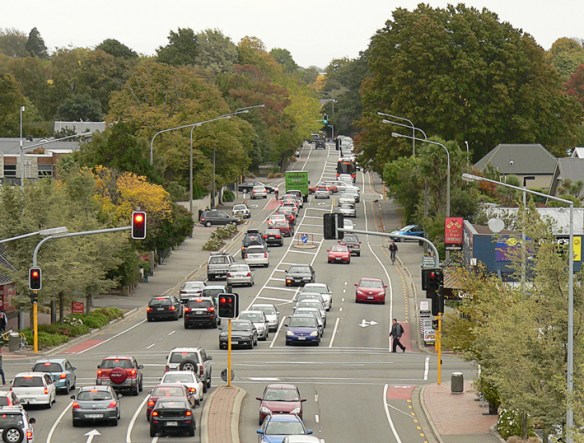
Straven Road, 2013.
Straven Road, original photo – Christchurch, 2013.

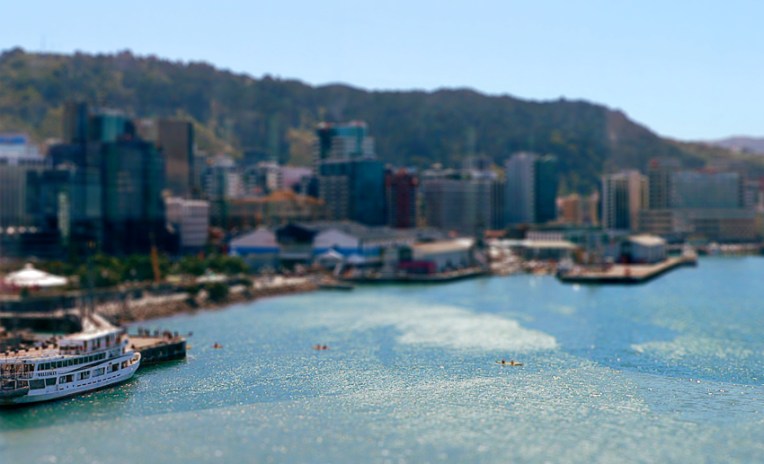
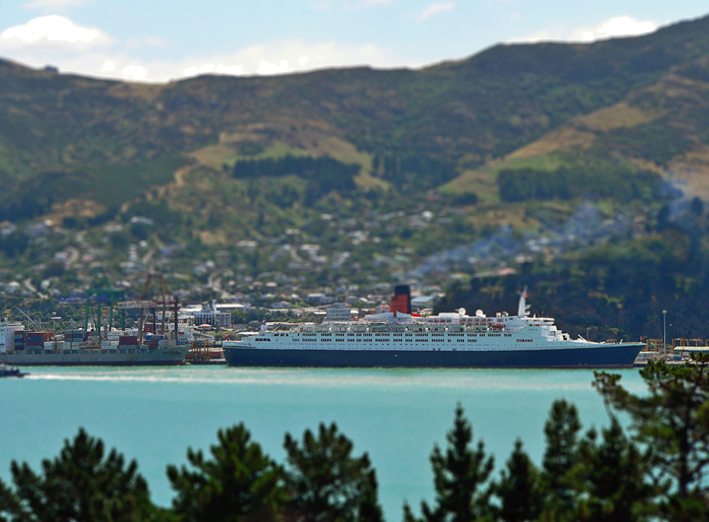
Last week, I had one of those ‘so that’s how they do it’ moments. I read about a clever piece of kit called a tilt-shift lens (used by photographers to control the way perspective appears in an image) and a way of mimicking the lens in Photoshop. With the right photo, you can digitally blur and manipulate it to make places and people look like miniatures. Even without the right photo, it’s still an interesting effect.

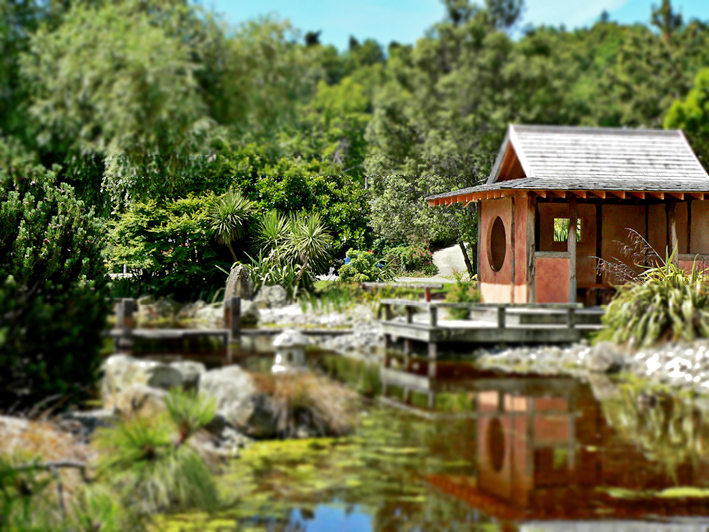
Miyazu Garden, 2013.
Miyazu Garden, original photo – Nelson, 2011.

The latest version of Photoshop apparently has a ‘tilt shift’ blur feature but, really, it’s pretty straightforward: apply a reflected gradient and a lens blur so that parts of the image are out of focus, then adjust saturation and contrast to make the colours look more artificial.

The effect tends to work best with photos of people/vehicles/buildings taken from an elevated viewpoint. You don’t have to hire a helicopter to get a suitable photo… but climbing several flights of stairs to get just a little bit higher could make all the difference. With that in mind, I’m now on the hunt for really good photos to miniaturise : )

My thanks to Hovercraftdoggy for their inspirational We make models post (which includes a link to a tilt-shift photography Photoshop tutorial).