
This is what happens when you apply Photoshop’s polar coordinates filter to a fairly detailed leaf and branch drawing. It’s a distorted version of this hand-drawn pattern.
This is what happens when you apply Photoshop’s polar coordinates filter to a fairly detailed leaf and branch drawing. It’s a distorted version of this hand-drawn pattern.
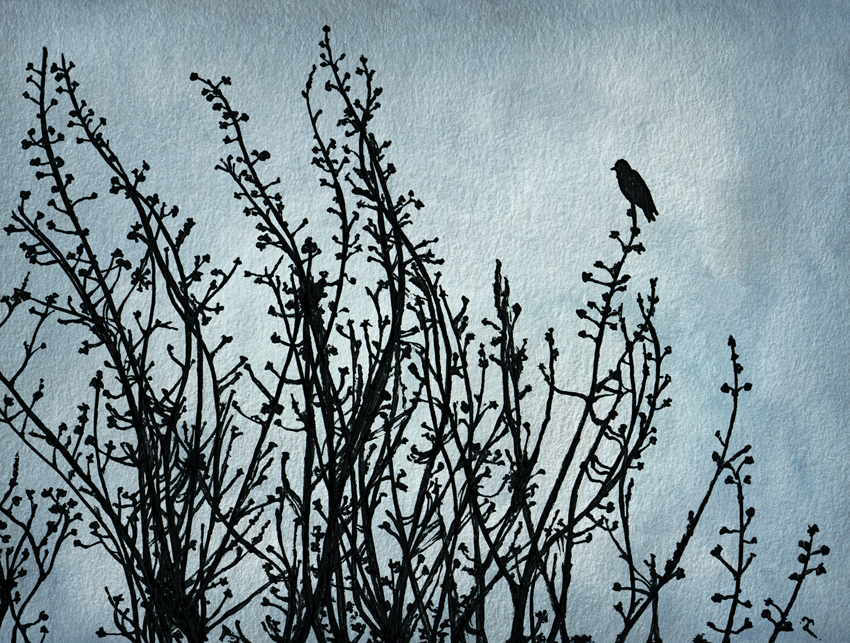
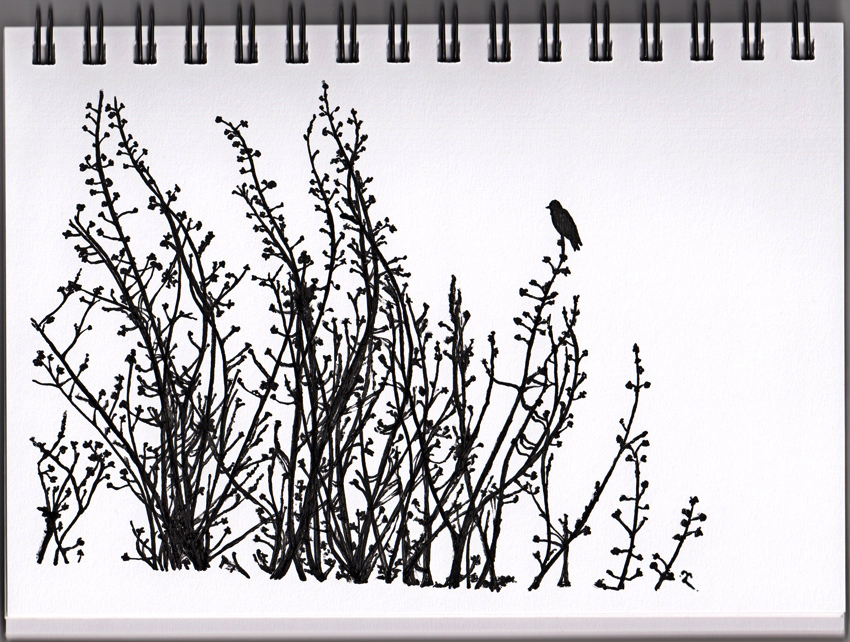
Here is my second sketch for Shoot it, Sketch it — take a photo of something and then sketch, draw or paint it. The initial sketch was done with dip pen and ink. The watercolour background (something I painted for another project last year) was added in Photoshop.
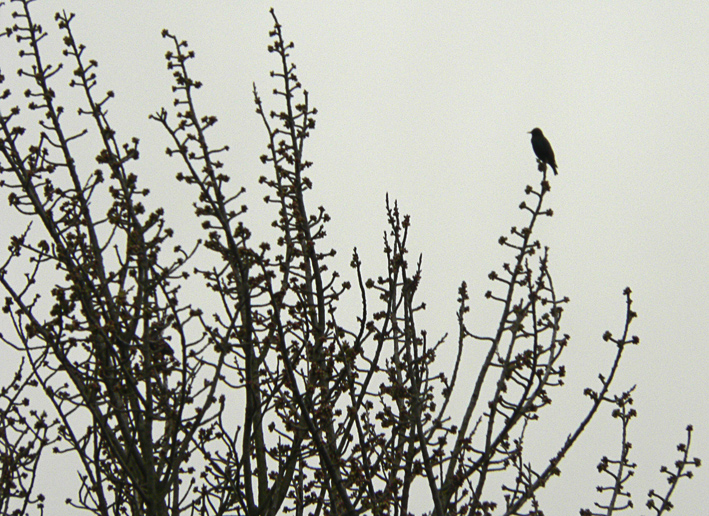
The photo (below) was taken on a grey, spring day when I spotted this little bird on a tree outside my studio window. It was taken in a hurry, through the less-than-spotlessly-clean window, but was still good enough to use as a reference. Something about the silhouette appealed to me and I thought it would be fun to draw — and it was.
Check out what Bec from Clouds of Colour and Alana from The Little Leaf have done this week too. They’re the bloggers who introduced the Shoot it, Sketch it feature.
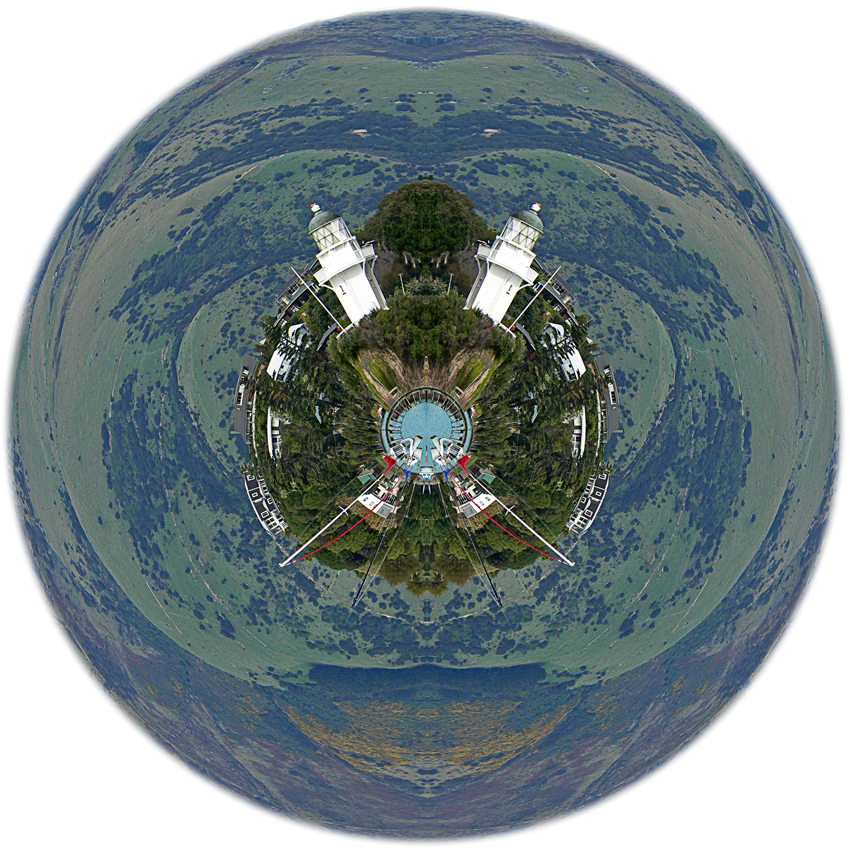
Photoshop’s polar coordinates filter is addictive. The undistorted photo of the lighthouse is shown below. I used the same technique to create Spheres one and two and Sphere three.

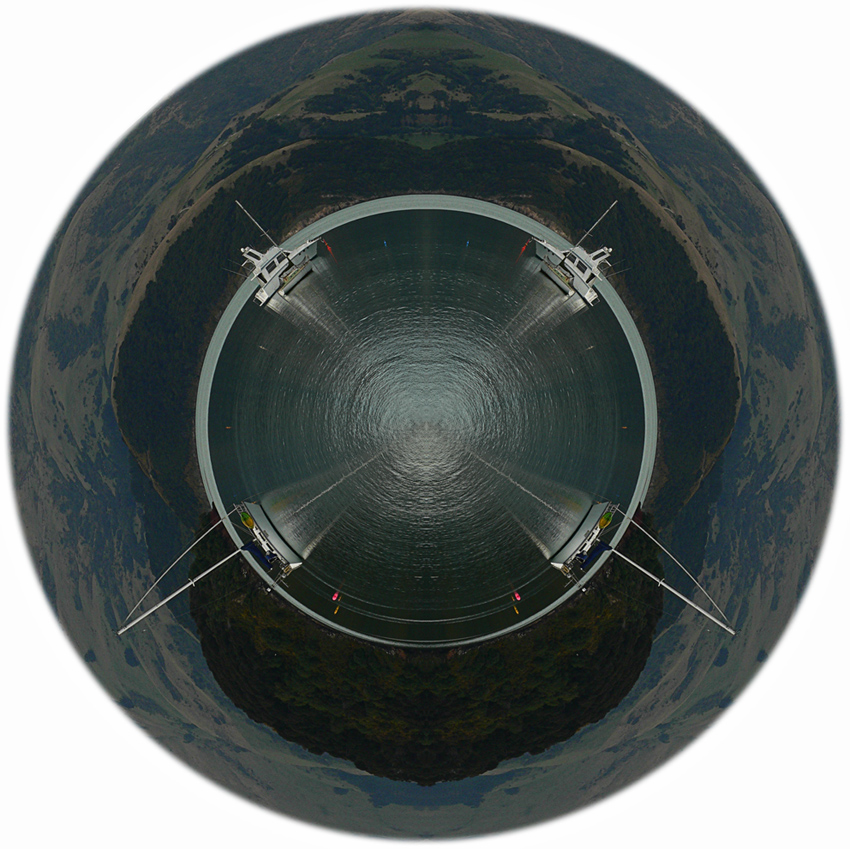
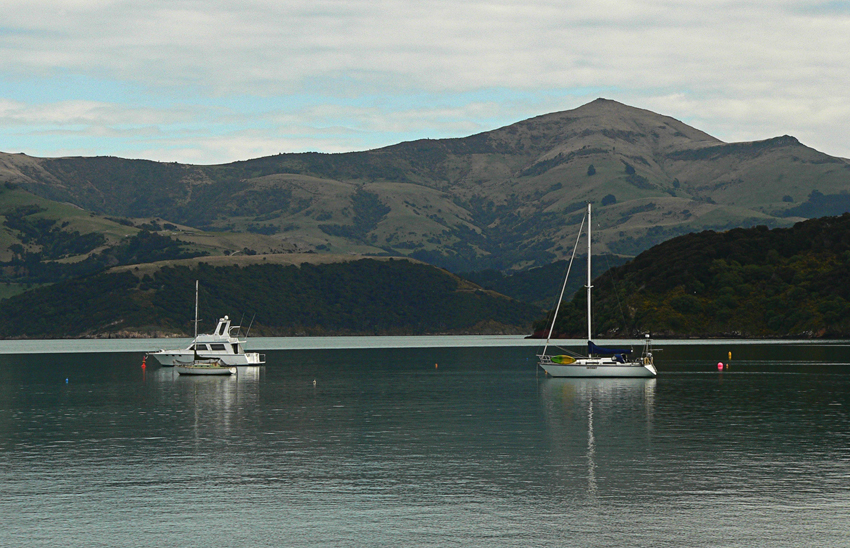
A photo of Akaroa Harbour distorted using Photoshop’s polar coordinates filter. The original photo is shown below. It’s the same technique I used on Spheres one and two.
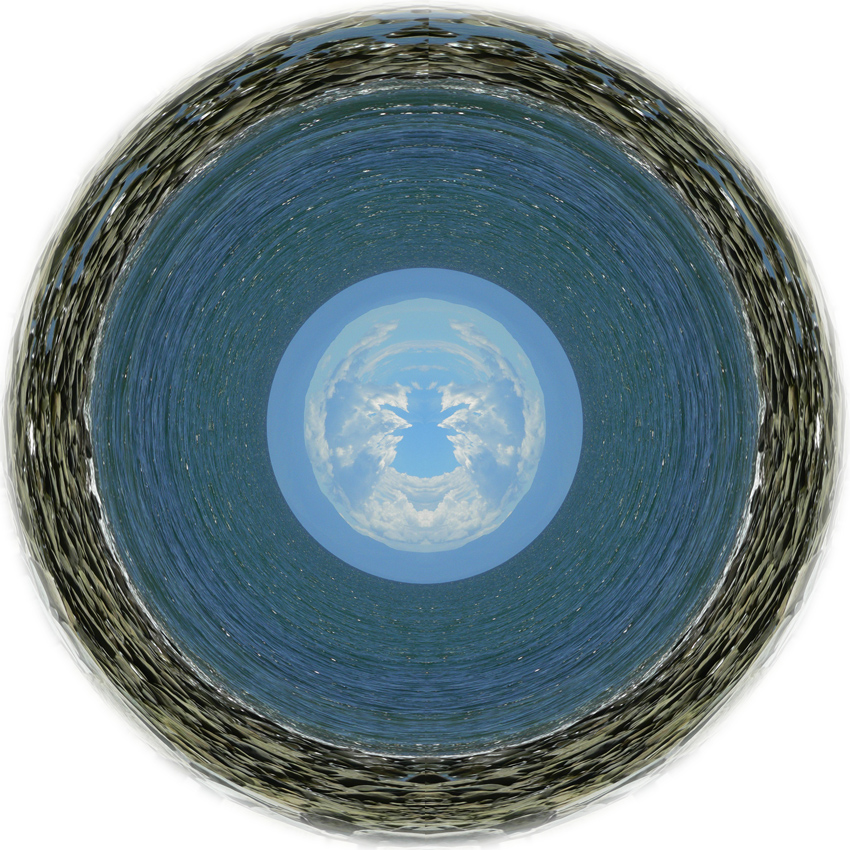
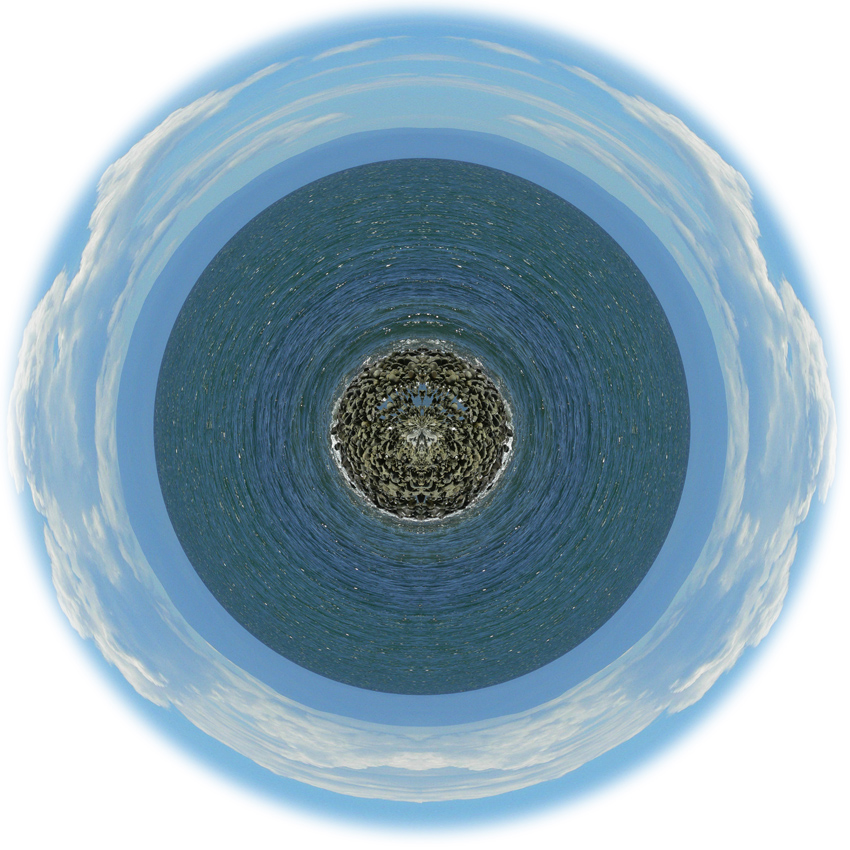
I’ve been messing about with the polar coordinates filter in Photoshop and getting some nice results. Some photos definitely work better than others but even the ‘failures’ are interesting. Quite a few people (and I’m one of them) use the filter to create weird little planets but I’m interested in seeing what else I can do with it.
 This is the original photo before it was duplicated, flipped horizontally to create a mirror image, resized into a distorted square and transformed into spheres.
My thanks to Leanne Cole for posting a tutorial on the polar coordinates distortion filter.
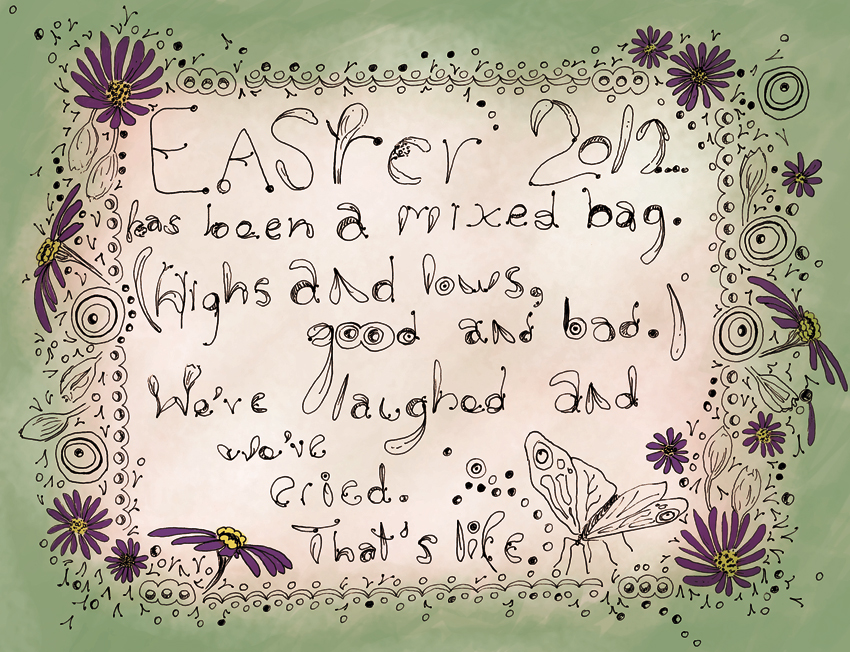
A doodle based on various sketches used for the Happy Easter illustration. Coloured in Photoshop.
 Anna Cull ~ Art & Music